| Score | Meaning |
|---|---|
| 95–100% | Near identical — the thread is virtually indistinguishable from the original color |
| 80–94% | Good match — very close, minor difference visible only in direct comparison |
| 65–79% | Approximate — noticeable difference, but the closest option in the brand |
| Below 65% | Fair — significant difference; consider a different brand or blending threads |
Photo to floss palette — extract embroidery thread colors from any image
Upload a photo and get matched thread codes for DMC, Anchor, Madeira, and 40+ other brands.
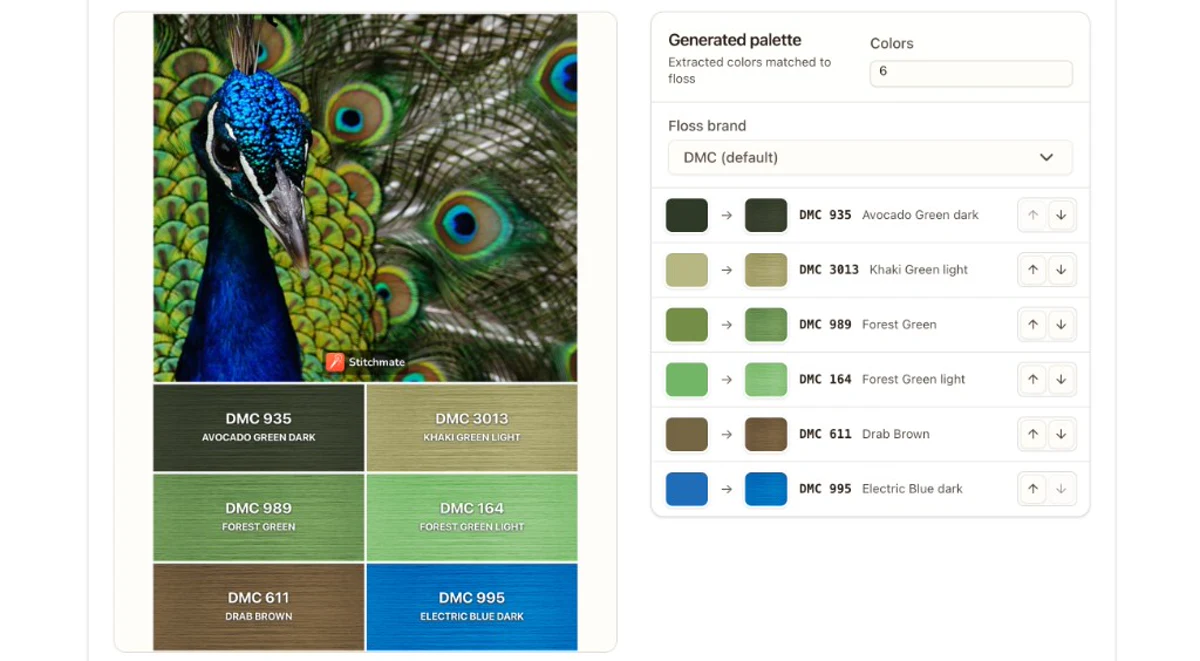
Upload any photo, painting, or color reference and instantly extract a palette of real embroidery floss colors. Each extracted color is matched to the closest thread in your chosen brand — DMC, Anchor, Cosmo, Madeira, Weeks Dye Works, Classic Colorworks, and 35+ more — with a match-quality score so you know exactly how close each thread is to the original.
How does the color matching work?
The tool extracts dominant colors from your image using perceptually uniform color quantization — not simple RGB averaging, which overweights greens and misses subtle warm/cool differences. Each extracted color is then matched to the closest real thread using CIEDE2000, the same perceptual distance metric used in professional color management.
The difference matters: RGB-based tools often match a dusty rose to a pink and a golden brown to an orange. Perceptual matching considers how your eyes actually see color, so the thread in your hand looks like the color on screen. Extraction uses OKLCH — a perceptually uniform space where equal distances mean equal perceived differences — so the palette reflects what you actually see, not raw screen pixels.
When a thread palette helps
- Planning a new project from a reference photo — find the exact DMC or Anchor codes before you buy thread, so you're not guessing at the craft store.
- Matching threads to fabric or décor — upload a photo of your fabric, a room, or a color swatch to find threads that coordinate.
- Substituting between brands — if a pattern calls for DMC but you prefer Anchor or Cosmo, extract the palette and re-match it in your preferred brand. Compare match scores to see which brand covers the palette best.
- Building a palette from nature — a sunset, a garden, autumn leaves. Some of the most cohesive palettes come from photos you took yourself.
- Checking a pattern's color accuracy — upload a photo of someone else's finished piece and compare the extracted palette to what the pattern specifies. This can reveal whether the pattern's thread list actually reproduces the cover image.
Tips for best results
- Use clear, well-lit photos — shadows and color casts affect extraction.
- Crop to the area you care about — if your photo has a busy background, crop it first so the palette reflects the subject, not the surroundings.
- Start with fewer colors (3–5) to find the main color groups, then increase to capture accents.
- Try different brands — some brands have wider gamuts than others. If a match score is low in DMC, try Cosmo or Weeks Dye Works.
Understanding match quality
Match scores are based on CIEDE2000, the gold standard for perceptual color difference. A score of 100% means ΔE = 0 (perfect match). Human eyes typically can't distinguish colors with ΔE < 2.5 (roughly 95%+).
If you're seeing scores below 65% for several colors, the brand you've selected may not cover that part of the color spectrum well. Try switching brands — Cosmo and Weeks Dye Works have wider gamuts in some ranges than DMC. For greens and earth tones, Cosmo often has closer matches. For pastels, DMC tends to have more options.
Ready to go beyond a palette?
The photo-to-pattern converter turns your image into a full cross-stitch chart — with FLOW Score, confetti reduction, and printable PDF. About 30 seconds from upload to knowing whether it'll work.
Once you have your thread palette, you can also create a pattern using those exact colors, check availability in the DMC color chart, convert between brands with the thread conversion tool, and estimate fabric size and project time.
Related Guides & Tools

DMC Color Chart
Browse all 489 DMC floss colors with codes, names, Anchor equivalents, and stash tracking.
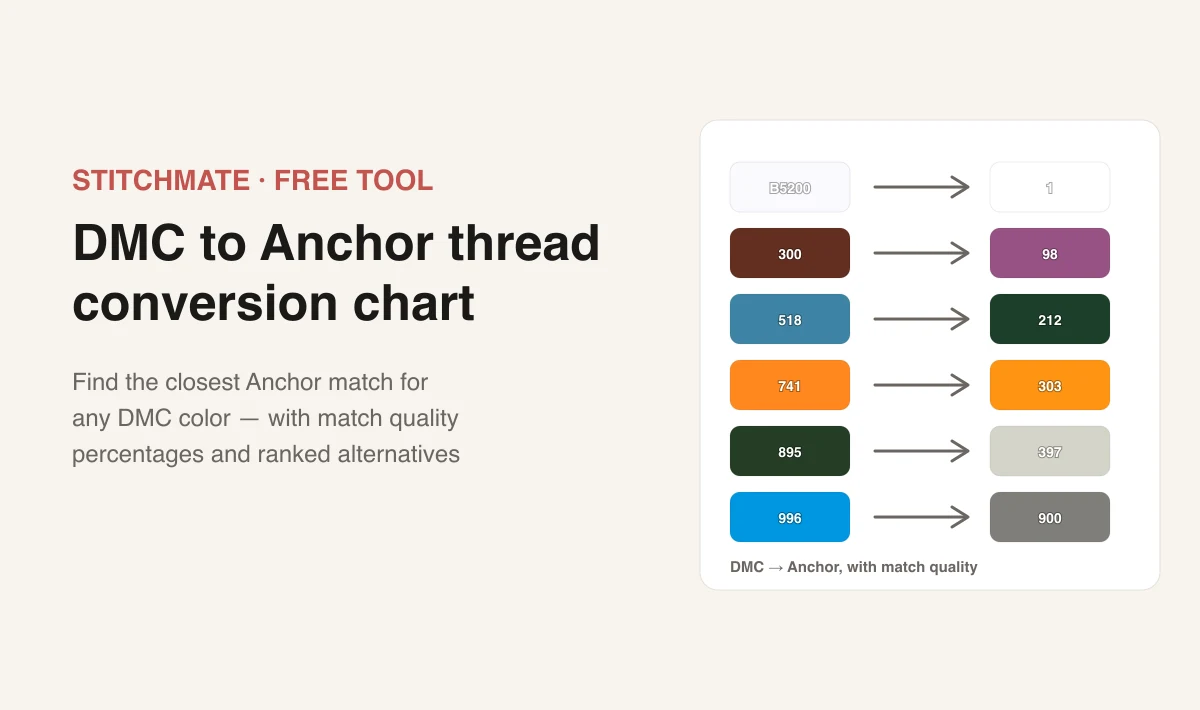
DMC to Anchor Conversion
Find the closest Anchor equivalent for any DMC thread code using perceptual color matching.
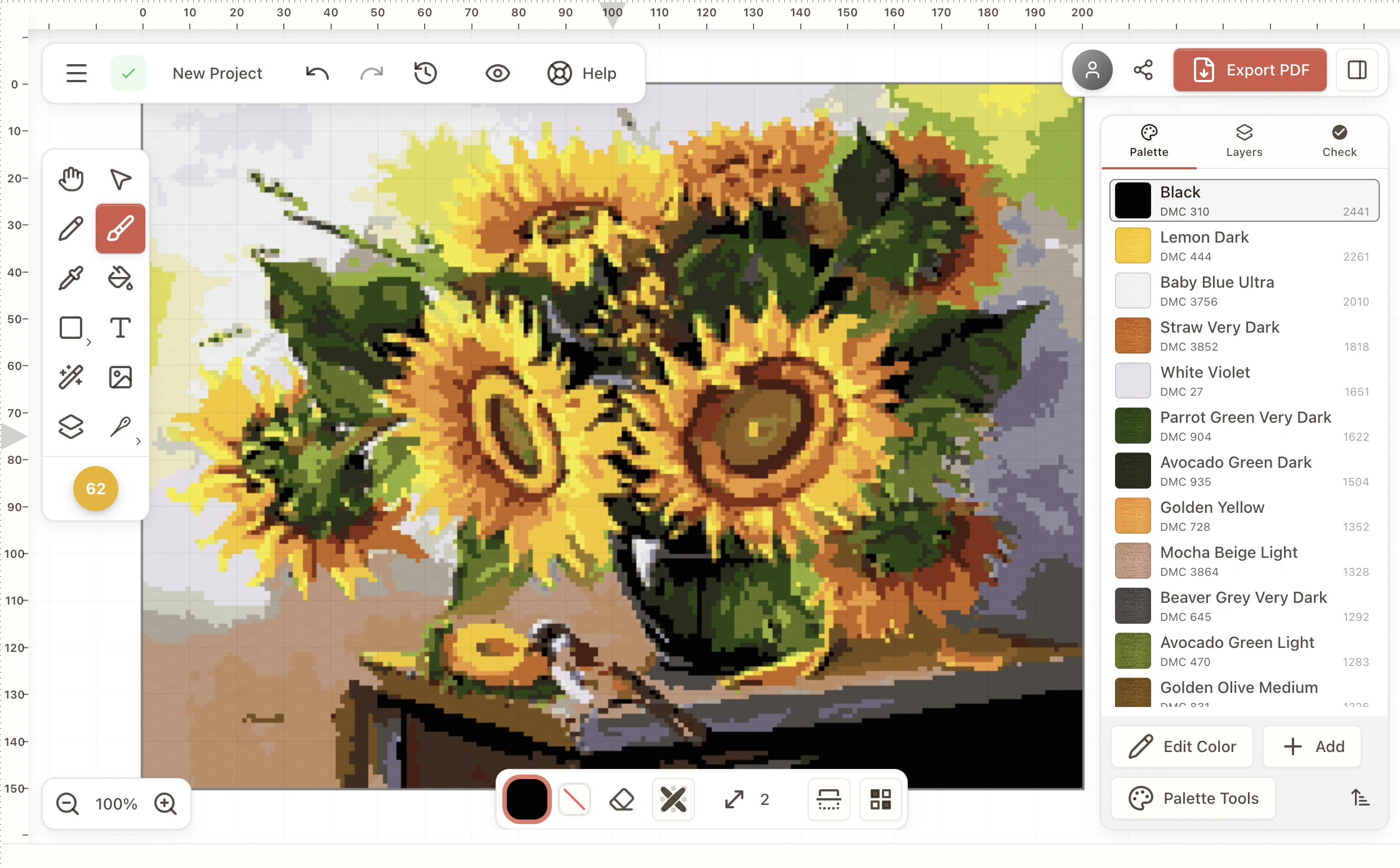
Cross Stitch Pattern Maker
Create patterns from scratch in your browser — draw, add text, match DMC and other threads, export printable charts.

Photo to Cross Stitch
Turn photos into stitchable patterns with real-time preview, confetti reduction, and real thread matching.

Fabric Calculator
Enter your pattern size and fabric count to see finished dimensions, framing margins, needle size, and time estimates.
How Many Colors for a Cross Stitch Pattern?
Why 15–30 colors is often the sweet spot and how palette size affects confetti and thread changes.
FAQ
How does the color matching work?
The tool extracts dominant colors from your image using perceptually uniform color quantization — not simple RGB averaging, which overweights greens and misses subtle warm/cool differences. Each extracted color is then matched to the closest real thread using CIEDE2000, the same perceptual distance metric used in professional color management. The difference matters: RGB-based tools often match a dusty rose to a pink and a golden brown to an orange. Perceptual matching considers how your eyes actually see color, so the thread in your hand looks like the color on screen. For extraction we use OKLCH space so equal distances correspond to equal perceived differences — better than plain RGB k-means for craft palettes.
Which thread brands are supported?
50+ brands including DMC, Anchor, Cosmo, Madeira, J&P Coates, Weeks Dye Works, Classic Colorworks, Gentle Art, Kreinik, and many more. Select your preferred brand from the dropdown.
How accurate is the thread matching?
Each match shows a percentage score based on CIEDE2000 perceptual distance. Scores above 90% are visually near-identical. Scores between 70–90% are close matches. Below 70%, the thread is the closest available but may look noticeably different.
Can I adjust the number of colors?
Yes — use the Colors control to extract anywhere from 2 to 20 dominant colors. Fewer colors gives you the broadest color groups; more colors captures finer details and accents.
What image formats are supported?
PNG, JPEG, and WebP. For best results, use a clear, well-lit photo. The tool works entirely in your browser — your images are never uploaded to any server.
Can I reorder the palette?
Yes, use the arrow buttons next to each color to reorder. The share preview updates automatically to reflect your order.
What is the share preview?
A downloadable image for social sharing: choose Instagram (square) or Pinterest (2:3 pin) format. Each shows your photo alongside matched thread colors with brand codes and names — great for project plans or shopping lists.
Can I use this for needlepoint, embroidery, or just cross stitch?
The palette generator works for any needlework that uses stranded cotton or specialty threads. Whether you're planning a cross-stitch pattern, a hand embroidery piece, or a needlepoint project, the thread matching is identical — it's based on the thread's actual color, not the technique.
What's the difference between this and the photo-to-pattern converter?
This tool extracts a color palette — the thread codes and color relationships from your image. The photo-to-pattern converter goes further: it creates a full stitchable chart with a grid, symbols, stitch counts, and PDF export. Use the palette tool when you want color inspiration or thread shopping lists. Use the pattern converter when you want a complete chart to stitch from.
See how your photo converts
Cross stitch is a real commitment — real thread, real hours, real frustration if the pattern doesn't work. Stitchmate lets you see exactly what you're getting into before you buy the first skein.
Upload an image, adjust the settings, check the FLOW Score — about 30 seconds to know if it'll work. Everything up to PDF export is free, no account needed.
Upload Your Photo Free