Pattern File Openers
Calculators
Color Charts
Practical guides for pattern design: from photo conversion to thread choices. Written for curious stitchers.
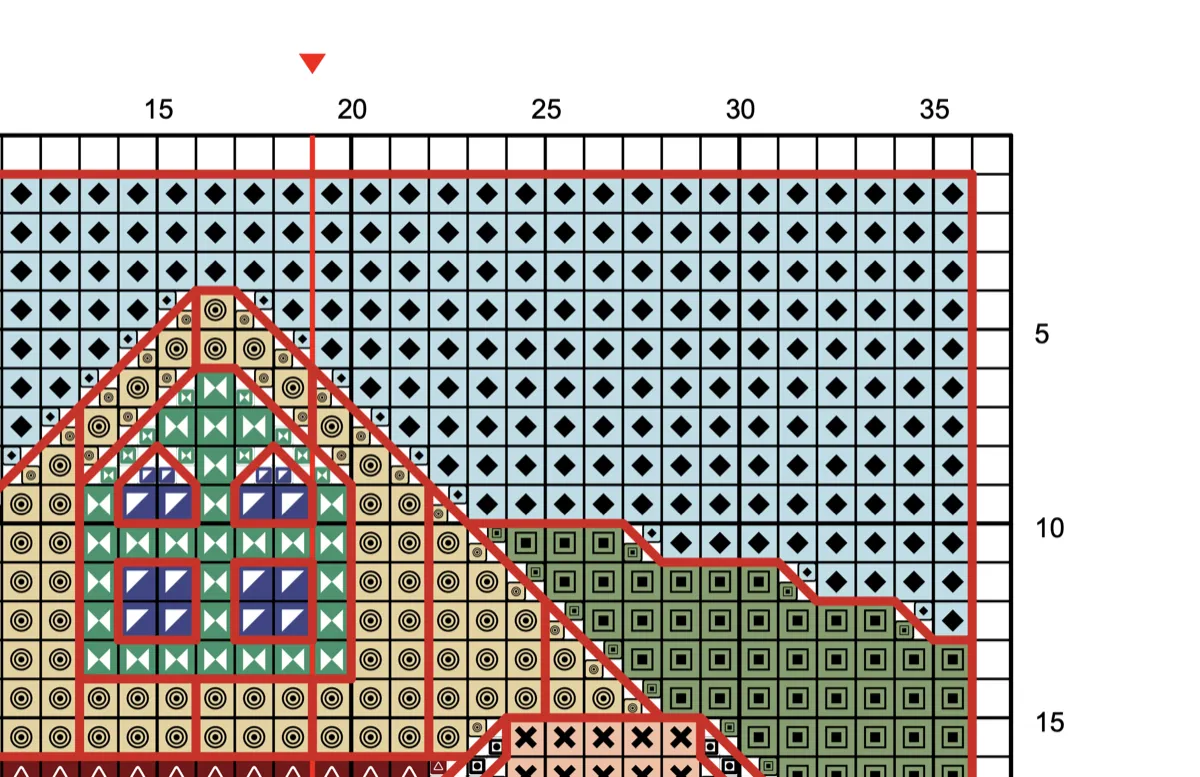
Learn how to read a cross stitch pattern: grid, key, symbols, stitch types, multi-page charts, and paper vs digital. Step-by-step guide for beginners.
Pixel art converts to cross stitch better than any other image type — one pixel, one stitch, no blending. Learn how to handle upscaling, colors.
PCStitch, WinStitch, StitchFiddle, FlossCross, Stitchmate, and 7 more — compared on price, platform, export quality, and confetti handling.
Clear symbols, smart page breaks, Pattern Keeper compatibility, and proper thread legends. Learn what separates a great cross stitch PDF chart from a…
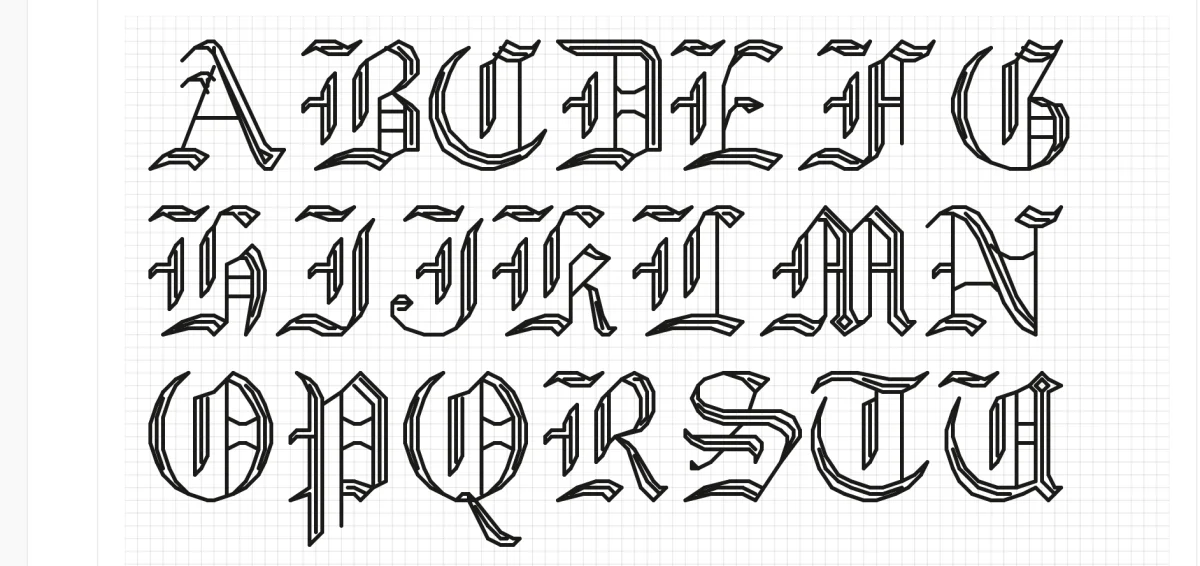
Browse 48 built-in cross stitch fonts — full-stitch alphabets and backstitch script — plus any typeface on your device.
Learn how to compose cross stitch patterns from stamps, text, photos, and borders — like a collage. Five grid composition principles, practical workflows.
Turn temperature, mood, reading, exercise, and other personal data into cross stitch patterns. Learn color mapping, layout options.
Confetti = scattered single stitches that mean constant thread changes. Under 2% is fine; above 10% makes a pattern miserable to stitch.
Pet portraits: 15-25 colors. Landscapes: 20-35. Human portraits: 25-40. More colors means more confetti and thread changes.
Most photo conversions create 40+ colors when 20-30 is enough. Three methods to cut colors without losing quality — orphan removal.
Best photos for cross stitch have high contrast, clean edges, simple backgrounds, and a large subject. Learn what works, what to avoid.
Turn your pet''s photo into a cross stitch pattern that captures their personality. Tips on photo selection, color count, pattern size, backgrounds.
14-count Aida = 14 stitches per inch. Compare 11 through 18-count side by side — see how count changes finished size, detail, and difficulty.
Aida, evenweave, or linen? Compare cross stitch fabric types by count, stitch coverage, and finished look. Includes a size table and decision guide.
Evenweave is a smoother cross stitch fabric where you stitch over two threads instead of into grid holes. Compare Lugana, Cashel, Jobelan.
Learn how to frame cross stitch properly: washing, pressing, lacing vs adhesive mounting, glass options, DIY vs professional framing.
Backstitch adds crisp outlines to cross stitch designs. Learn when to use it, how many strands, common mistakes, and how to read backstitch on charts.
Learn when to fix cross stitch mistakes and when to leave them. Five repair methods — from unpicking a few stitches to creative redesign.
Most stitchers average 100–200 stitches per hour — but the real answer depends on three things most time estimates ignore.
The FLOW Score is a 0–100 metric that predicts how enjoyable a cross-stitch pattern will be. Learn how Fragmentation, Locality, Optimization.
DMC or Anchor? The answer depends on where you live, what your shop stocks, and whether you care more about color range or thread feel.
Compare stranded cotton, hand-dyed, metallic, variegated, silk, and perle threads for cross stitch. Includes brand comparisons (DMC, Anchor.
Why colors look different on screen vs stitched on fabric. Learn about value contrast, optical mixing, fabric influence.
Learn how to blend threads in cross stitch — combine two colors on one needle to create custom shades, smooth gradients, and realistic depth.
The complete cross stitch glossary for 2026 — 189 terms from ADOT to WIP, with reference charts for fabric count, strand count, needle size, and thread brands.
Needlepoint covers the full canvas with yarn on stiff mesh; cross stitch uses X-shaped stitches on fabric. Compare materials, techniques, cost.
Mesh count is the number of holes per inch on needlepoint canvas. Compare 10, 13, 14, and 18-mesh side by side — with thread recommendations.
Which thread works on which needlepoint canvas? Specific brands, ply counts, and coverage notes for 10-mesh, 13-mesh.
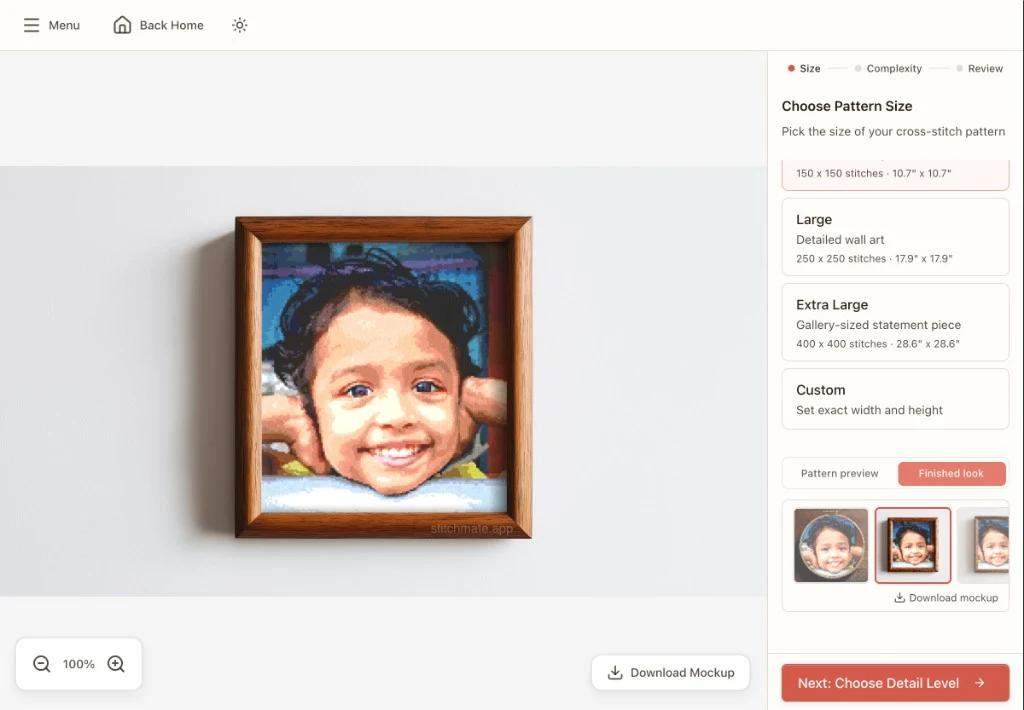
Step-by-step walkthrough with screenshots: upload a photo, set the right size and color count, adjust contrast and dithering, clean up confetti.
No account required. Start creating in seconds.