Mac and Windows
Download StitchmateFree to try. PDF export needs a lifetime pass.
Windows may warn that it "protected your PC" because the app is new. Click More info, then Run anyway.
Early Access
The same Stitchmate editor, installed on your computer. 100% offline and 100% private — your patterns are files on your own machine and never touch our servers.
Free to try. PDF export needs a lifetime pass.
Windows may warn that it "protected your PC" because the app is new. Click More info, then Run anyway.
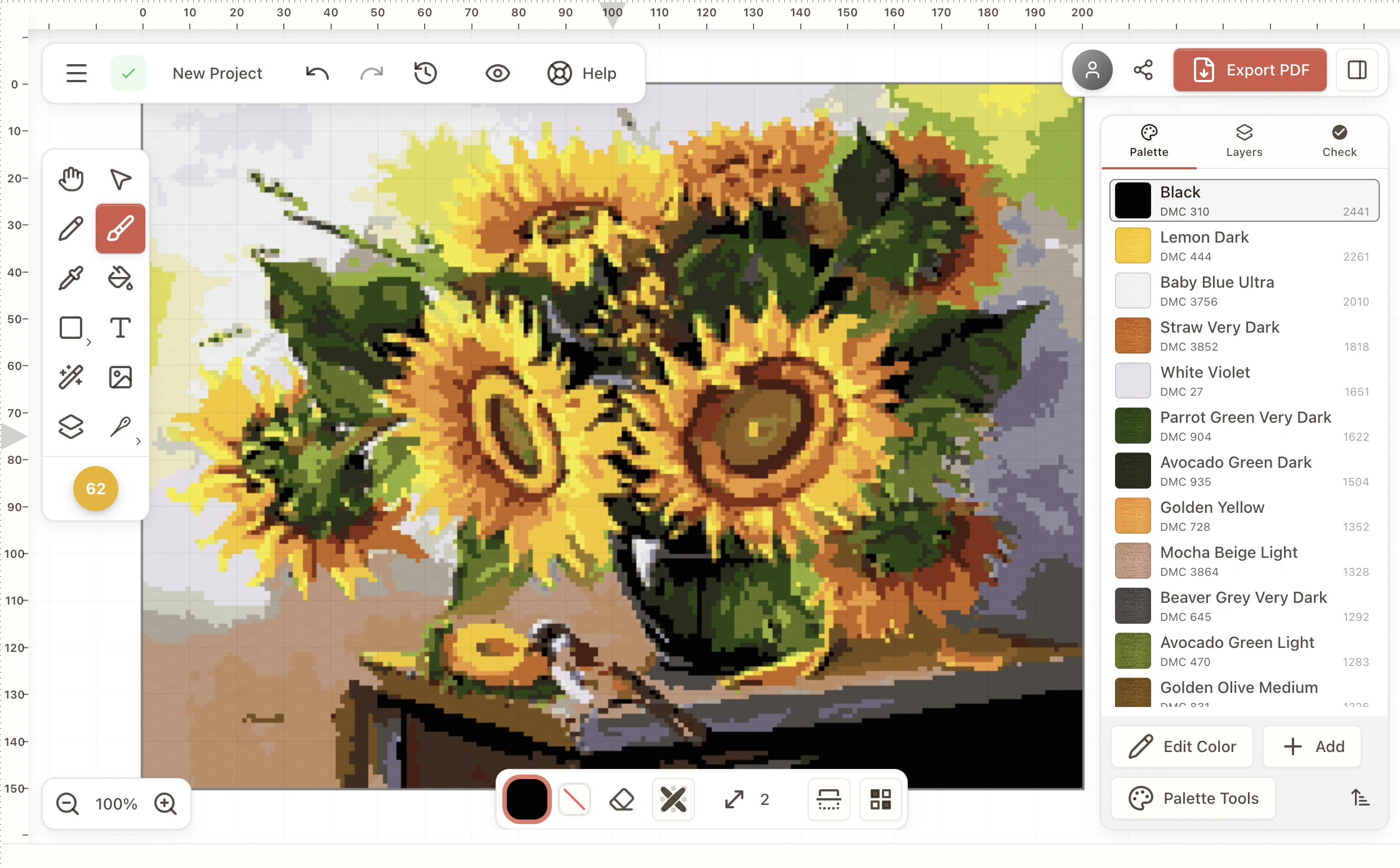
.stitchmate file on your own disk — no browser, no upload.Open, edit and export PDFs on a plane, in a cabin, on hotel wifi that will not load. Signing in is optional — it only syncs palettes, stash and motifs when you want it to.
Patterns are plain .stitchmate files in a folder you chose. No upload, no account required, no copy on our servers. Back them up the way you back up everything else.
Your patterns behave like documents, not like rows in someone else’s database. Keep them in Dropbox, on a USB stick, in a folder per project.
Identical tools and identical PDF export to the web app, because it is the same editor. Nothing is missing and nothing is a "lite" version.
The app is free to download. You can open, edit and export PNGs without paying anything. PDF export is unlocked by a lifetime pass — $99once, which also unlocks every pattern on the website, forever.
Already have a lifetime pass? Sign in at stitchmate.app, open the profile menu and choose Desktop License, then paste the key into the app.
We use privacy-friendly analytics to understand how people use the site. Accept cookies to help us improve your experience with more detailed insights. Privacy policy