| Fabric | Squares per inch | 100 × 100 chart measures |
|---|---|---|
| 11-count Aida | 11 | 9.1″ × 9.1″ (23.1 cm) |
| 14-count Aida | 14 | 7.1″ × 7.1″ (18.1 cm) |
| 16-count Aida | 16 | 6.3″ × 6.3″ (15.9 cm) |
| 18-count Aida | 18 | 5.6″ × 5.6″ (14.1 cm) |
| 22-count Hardanger | 22 | 4.5″ × 4.5″ (11.5 cm) |
| 25-count evenweave over 2 | 12.5 | 8.0″ × 8.0″ (20.3 cm) |
| 28-count evenweave over 2 | 14 | 7.1″ × 7.1″ (18.1 cm) |
| 32-count linen over 2 | 16 | 6.3″ × 6.3″ (15.9 cm) |
| 36-count linen over 2 | 18 | 5.6″ × 5.6″ (14.1 cm) |
| 40-count linen over 2 | 20 | 5.0″ × 5.0″ (12.7 cm) |
All ToolsCross stitch printable
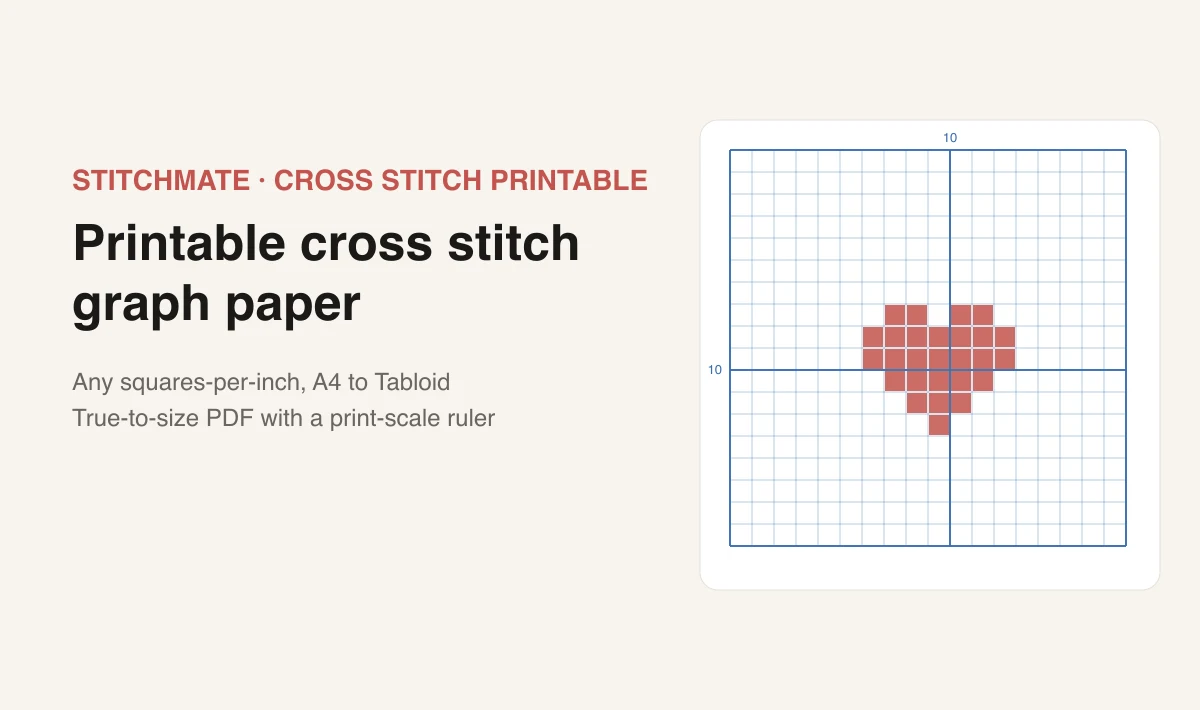
Printable cross stitch graph paper
Blank counted grid paper at the exact squares-per-inch you stitch on. A4, Letter, Legal, A3 or Tabloid — with a printed ruler so you can check your printer didn't shrink it.
Graph paper
Grid
14
For Aida this is the fabric count. For evenweave stitched over 2, it is half the count; over 1, it is the full count.
10
Paper
0.4
Style
Preview
104 × 138 squares
7.4″ × 9.9″ of grid (18.9 × 25.0 cm)
100%
Print at 100%
In the print dialog set scale to 100% (or “Actual size”) — not Fit to Page, which silently shrinks the grid. The sheet includes a 1-inch and 1-cm ruler; check them with a real ruler before you start charting. More on print scaling.
14 squares per inch · A4 portrait · finished size on 14-count fabric matches the grid size above. Work out fabric to buy.
Free printable cross stitch graph paper
Charting by hand still beats a screen for some jobs — sketching a border, working out a monogram or a name, adjusting a motif while the fabric is in front of you. What makes it work is paper whose squares match the fabric you are actually going to stitch on. Generic 5-squares-per-inch maths paper does not, and a chart drawn on it will surprise you when you transfer it. If the sketch is the start of a full chart, how to design a cross stitch pattern from scratch takes it from graph paper to a printable PDF.
This generator makes graph paper at any squares-per-inch value from 4 to 40, on A4, US Letter, Legal, A3 or Tabloid, portrait or landscape. Set the count, pick your paper, download the PDF.
One thing before you print: set your printer to 100% scale, not "Fit to Page". That single setting is the difference between a usable sheet and one that is silently 4% too small. Every sheet we generate carries a printed 1-inch and 1-cm ruler so you can check it in seconds — more on that below.
Which count should I print?
For Aida, squares per inch is simply the fabric count — one Aida block is one stitch. For evenweave and linen it depends on whether you stitch over 1 thread or over 2.
The presets in the tool set these for you. If you want the finished dimensions for a design you have already charted, the fabric calculator does that arithmetic including framing margins, and what is Aida count explains where these numbers come from.
Squares per inch is not always the fabric count
This trips up more people than anything else in cross stitch, and almost no graph paper site mentions it.
Aida is woven in distinct blocks. One block takes one stitch, so 14-count Aida gives 14 stitches per inch. Count and squares-per-inch are the same number.
Evenweave and linen are woven as plain, uniform cloth with no blocks. Convention is to stitch over 2 threads, so a 28-count linen gives 14 stitches per inch, not 28. The fabric is labeled 28; your grid is 14.
So if you buy 32-count linen and print 32-squares-per-inch graph paper, every square on your chart will be half the size of the stitch you actually make, and the finished piece comes out at half the dimensions you planned.
The rule: divide evenweave and linen counts by 2 unless you are deliberately stitching over 1 thread. The evenweave and linen presets in the tool already do this — a preset labeled "Evenweave 28 (over 2 → 14/in)" sets the grid to 14.
There is more on the differences in the evenweave fabric guide and the fabric types guide.
How to print it at the right size
A PDF carries its size in absolute units, so the file is always correct. What goes wrong is the print dialog.
By default, most browsers and print drivers apply "Fit to Page", "Shrink oversized pages" or "Scale to fit printable area". All three shrink the page by a few percent to keep clear of the printer's unprintable edge margin. A 3% reduction on 14-squares-per-inch paper gives you 14.4 squares per inch, which looks completely normal and is wrong.
Set the scale to 100% (Adobe Reader and Preview call it Actual size; Chrome calls it Default or Custom → 100; Firefox has a Scale field). Turn off any "fit" or "shrink" checkbox.
Then verify. Every sheet prints a 1-inch bar and a 1-cm bar above the grid, with tick marks at each end. Put a physical ruler against them:
- Both bars measure correctly → your grid is exact, start charting.
- Both are short by the same proportion → the print was scaled. Fix the scale setting and reprint.
- The bars are right but the squares look wrong → you have the wrong count selected, not a printing problem.
Five seconds of checking, before you spend an evening charting on paper that is the wrong size. You can turn the rulers off in the tool once you trust your printer setup.
One more thing worth knowing: printers cannot print to the very edge of the sheet. The default 0.4-inch margin keeps the grid inside every common printer's printable area. If your grid comes out clipped on one side, raise the margin slightly rather than reducing the scale.
Charting by hand: a short method
If you have not charted on paper before, this order of work saves the most rubbing out:
- Mark the center first. The tool prints a center crosshair for exactly this. Every chart is worked outward from the middle, and a design centered on the paper is a design centered on the fabric.
- Block in the outline before any color. Get the silhouette right at the level of whole squares. Curves become staircases — that is the medium, not a mistake, and deciding where each step falls is most of the design work.
- Fill the large flat areas next. They set the visual weight and tell you quickly whether the proportions are working.
- Add detail and shading last, and be sparing. A single stitch of a different color surrounded by another color — confetti — is quick to draw and slow to sew.
- Keep the backstitch on a separate pass, drawn on the grid lines rather than in the squares, so you do not confuse it with full stitches later.
If you are working from an existing chart rather than making one, how to read a cross stitch pattern covers symbols, keys and center markers. And once the chart is done, the same 10 × 10 lines belong on the fabric too — how to grid cross stitch fabric covers pen, thread, and pre-gridded Aida.
Graph paper for knitting, needlepoint and beads
The same generator covers several adjacent crafts, with one caveat.
Needlepoint works exactly like cross stitch: set squares per inch to your canvas mesh count. 13-mesh canvas needs 13 squares per inch. See the needlepoint mesh count guide if you are unsure what you have.
Perler and fuse beads sit on a 5mm pitch, which is about 5.08 squares per inch — set the grid to 5 per inch, or switch to metric and use 20 squares per 10 cm for an exact match.
Knitting needs a caveat. Knitted stitches are wider than they are tall — a typical stocking-stitch gauge is around 4 stitches to 5 rows over the same distance. On square graph paper a colorwork motif you chart will come out about 20% squat when knitted. Square paper is perfectly good for planning stitch counts and color placement, and plenty of knitters use it happily. But if you need the drawn motif to look like the knitted result, use the knitter's graph paper generator: it takes your stitch and row gauge and prints rectangular cells in that ratio, numbered the way a colorwork chart reads.
Or skip the paper
Paper is good for thinking. It is less good for changing your mind — there is no undo, no recoloring, and no way to know you have used 47 shades of blue until you count them.
If the design is going to evolve while you work on it, chart it in the pattern editor instead: the same grid on screen, with undo, per-color stitch counts, real DMC and Anchor shades, and a printable symbol chart when you are finished. And if you are starting from an image rather than an idea, the photo to pattern converter will do the first pass for you.
Related Guides & Tools

Fabric calculator
Finished size and how much fabric to cut for any count, including framing margins.
What is Aida count?
What the number on the fabric band means, and how it decides the size of your finished piece.
Evenweave and linen guide
Stitching over 2 threads, why the count halves, and when to choose evenweave over Aida.
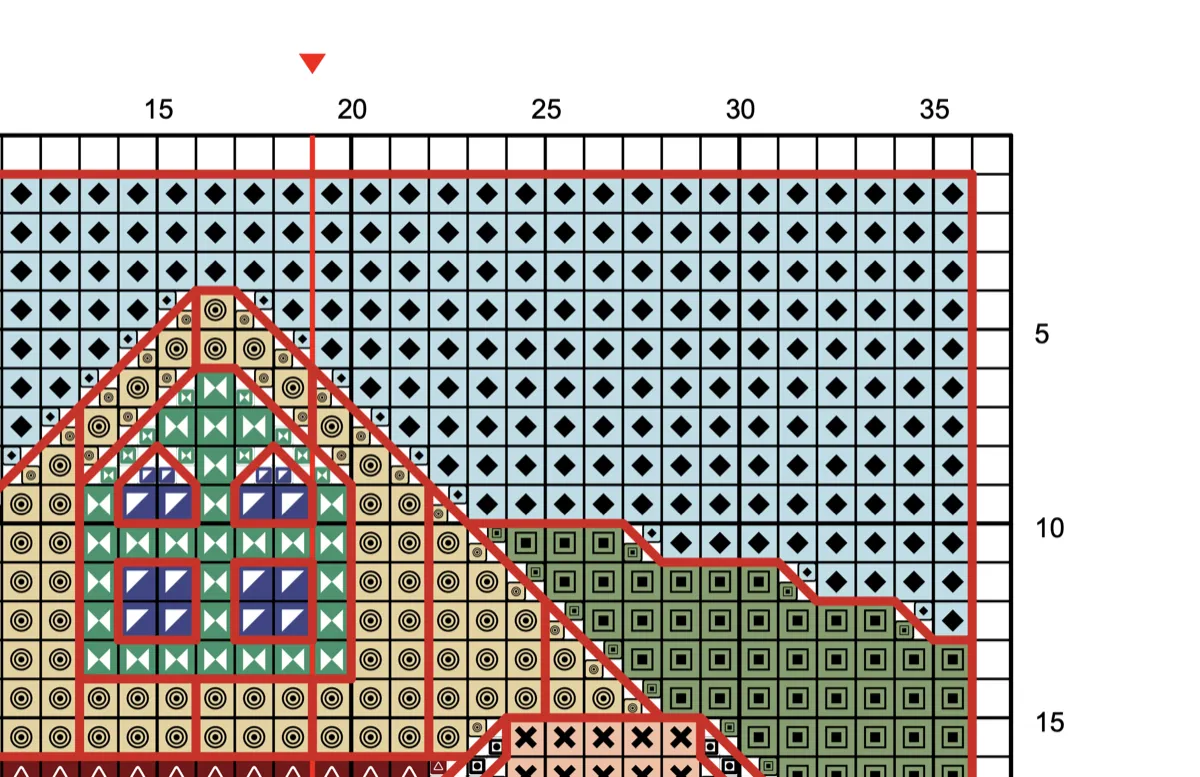
How to read a cross stitch pattern
Symbols, color keys, center markers and backstitch lines, explained from scratch.
Pattern editor
Chart on screen with undo, live stitch counts and a printable symbol chart at the end.
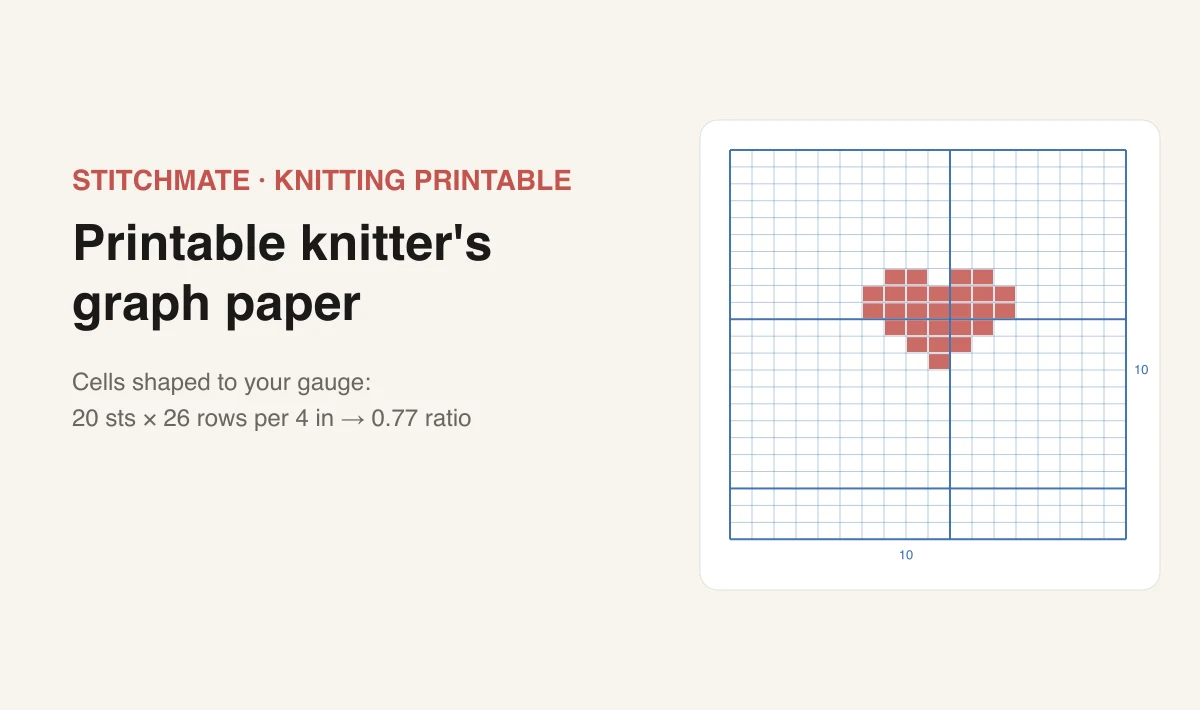
Knitter's graph paper
The same generator with cells shaped to your stitch gauge and chart-style numbering.
FAQ
Is the graph paper generator free?
Yes — completely free, with no account, no watermark and no download limits. Print as many sheets as you like. Everything runs in your browser, so nothing you configure is sent to a server.
What size squares should I use for 14-count Aida?
14 squares per inch, which makes each square about 1.8mm (0.071 inches). That is what the 14-count preset sets. The rule for Aida is simple: squares per inch equals the fabric count, because one Aida block is one stitch.
Why do my printed squares measure wrong?
Almost always because the print dialog is set to "Fit to Page" or "Shrink oversized pages", which scales the PDF down by a few percent. Set the scale to 100% or "Actual size" and print again. Every sheet includes a 1-inch and 1-cm ruler along the top — measure those with a real ruler before you start charting, and you will catch a scaling problem in five seconds instead of halfway through a design.
Can I get graph paper for 28-count evenweave?
Yes, and this is where fabric count and squares per inch stop being the same number. Evenweave and linen are normally stitched over 2 threads, so 28-count fabric gives 14 stitches per inch. Use the 28-count evenweave preset — it sets 14 squares per inch for you. If you stitch over 1 thread instead, use 28 squares per inch.
How big a chart fits on one A4 sheet?
At 14 squares per inch with a 0.4-inch margin, an A4 portrait sheet holds 104 × 152 squares — enough for most small and medium motifs. Letter portrait gives 104 × 140. Switch to A3 or Tabloid, or turn on "Cover a bigger design" to tile several sheets with a 5-square overlap you can tape together.
Can I use this for knitting, perler beads or needlepoint?
For needlepoint and perler beads, yes — set squares per inch to your mesh count or bead pitch and it works exactly the same way. For knitting, use the knitter's graph paper generator instead: knit stitches are wider than they are tall (roughly a 4:5 ratio), so square paper distorts a colorwork chart, and the knitting version makes rectangular cells from your own gauge.
See how your photo converts
Cross stitch is a real commitment — real thread, real hours, real frustration if the pattern doesn't work. Stitchmate lets you see exactly what you're getting into before you buy the first skein.
Upload an image, adjust the settings, check the FLOW Score — about 30 seconds to know if it'll work. Everything up to PDF export is free, no account needed.
Upload Your Photo Free