All ToolsColor tool
Compare thread colors side by side
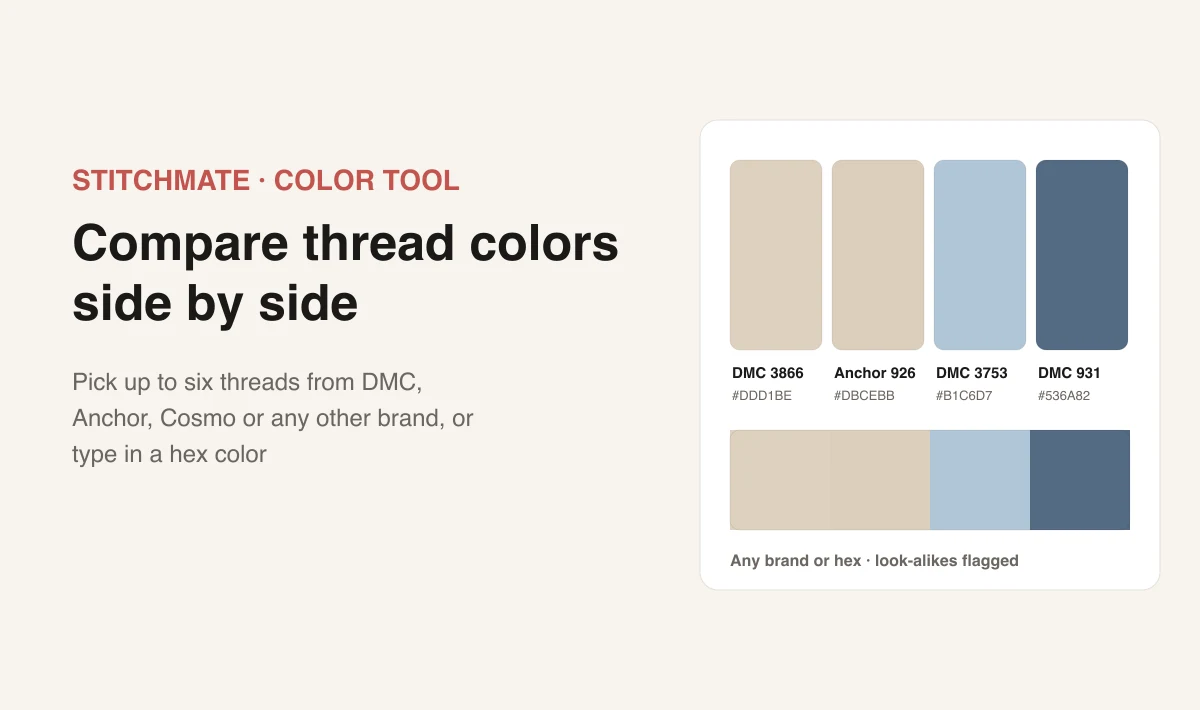
Pick up to six colors: floss from DMC, Anchor or Cosmo, seed beads, diamond painting drills, fuse beads, yarn, or a hex color of your own. See them next to each other, find out which ones are too close to tell apart, and send the set to a friend with one link.
4 of 6 colors
Why compare threads side by side
A thread looks different next to its neighbors than it does on a color card. Two greens that seemed far apart can melt together in a leaf, and a substitute that matched on its own can stand out once it sits beside the rest of the palette. Putting the candidates next to each other, large, is the quickest way to see it before you buy or stitch.
What the tool shows
Large swatches with each brand's own texture and sheen, so a satin or metallic thread doesn't look like flat cotton. The colors touching in one strip, because the edges where two colors meet are where a clash shows. Look-alike flags on any pair too close to tell apart once stitched. And hex codes you can copy, for design apps, shop listings or a pattern key.
Not just thread
The same comparison works for every material in the catalog. Open the brand list and switch the row at the top from Floss to Seed beads, Drills, Fuse beads or Crochet yarn. You can mix them in one set: a bead against the floss it will be sewn on, a diamond painting drill against the DMC color a pattern asks for, or two yarns for a blanket.
Mixing brands and custom colors
Every color has its own brand. Compare DMC against Anchor, check a Cosmo shade that DMC doesn't make, or try a hand-dyed thread against the solid colors around it. Switching a color to another brand finds that brand's closest thread, which makes the tool a quick way to see how well a substitute really matches.
For a color you have in mind but not on a thread, choose Custom color (hex) and type or pick it. The tool shows the nearest DMC thread for it.
Related tools
FAQ
Can I compare threads from different brands?
Does it work for beads and yarn?
How do I add a color that is not a thread?
What do “Same as” and “Close to” mean?
How do I share a comparison?
Do screen colors match the real thread?
Is this free?
See how your photo converts
Cross stitch is a real commitment — real thread, real hours, real frustration if the pattern doesn't work. Stitchmate lets you see exactly what you're getting into before you buy the first skein.
Upload an image, adjust the settings, check the FLOW Score — about 30 seconds to know if it'll work. Everything up to PDF export is free, no account needed.