How to Make Your Own Diamond Painting Kit
Commercial kits come in whatever images someone decided to print. A DIY kit is any photo you own, at any size you want — as long as you get one thing right at the printer.
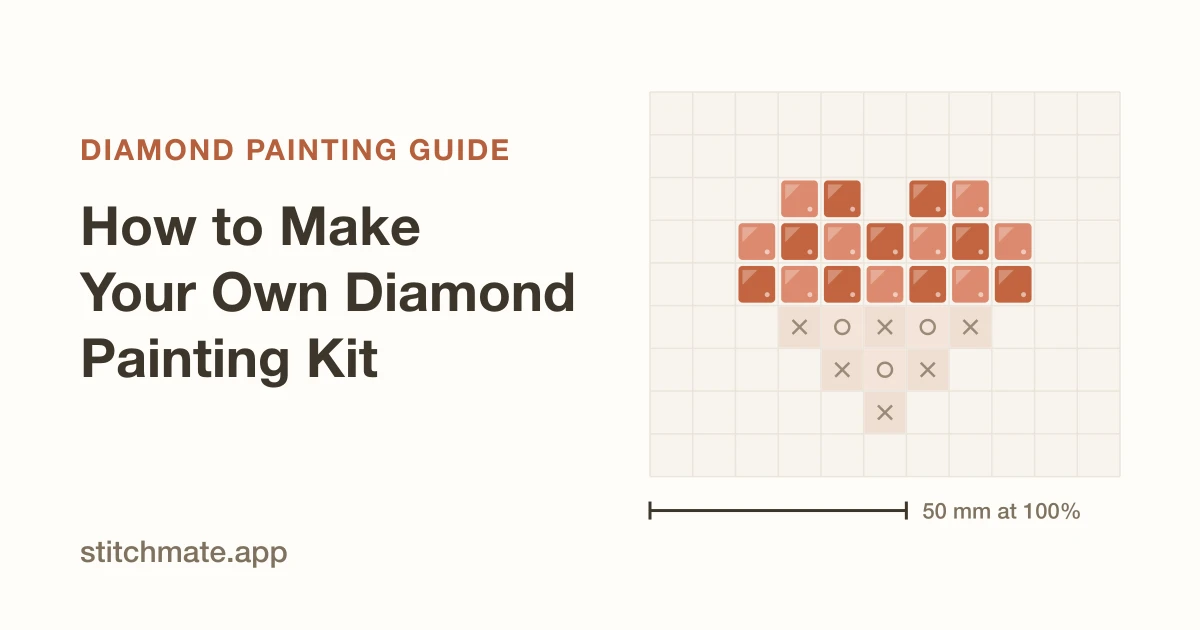
A commercial diamond painting kit is a printed adhesive canvas, some bags of drills, a wax pen, and a tray. Three of those four things you can buy loose, off the shelf, in any quantity you like. The fourth — the canvas with your image printed on it in symbols, already sticky — is the only part that makes a kit a kit.
That's the whole problem, and it has a straightforward solution: print the chart yourself and make it sticky yourself. What you get is an image nobody sells, at a size nobody offers, in a palette you chose. What you have to get right is one number at the printer, and this guide spends more time on that than on anything else — because it's the step that quietly ruins DIY kits, and almost every tutorial glosses over it.
What a DIY kit actually is
Strip a commercial kit down and it's a symbol chart with glue on it. Each cell holds one symbol, the legend maps symbols to DMC-numbered colors, and the adhesive underneath holds each drill where you press it. Nothing about that is proprietary. It's printing plus stickiness.
So a DIY kit is exactly two substitutions:
- The canvas becomes a chart you designed, printed at the physical size of real drills.
- The factory adhesive becomes a double-sided adhesive sheet you apply yourself.
The drills, the pen, the wax, the tray — all identical to what ships in a box, all sold separately. If you've never done a commercial kit, do one first: how to diamond paint covers the placement habits, and they're the same habits here. Making your own kit changes where the canvas comes from, not how you work it.
One honest caveat before you start. A home-printed sheet is paper, not the coated fabric-backed board a factory uses. It's perfectly good — people finish and frame these all the time — but it's less forgiving of moisture and repeated re-peeling. Mount it on something rigid, and it behaves.
What you’ll need
Deliberately generic — these are product categories, and every one of them is sold by dozens of suppliers:
- Loose drills, round or square, sold by color. Ordered by DMC number, which is the universal language here. Our DMC drill color chart matches codes to colors, and if your drills use Diamond Dotz codes instead, the Dotz ↔ DMC conversion translates between them.
- Double-sided adhesive sheets — sold for craft mounting and scrapbooking, usually in A4 or 12×12 in. You want the kind with a peel-back release film on the top face, because that's what lets you expose small sections at a time.
- A rigid backing — foam board, mount board, or a stretched canvas panel. Paper alone will ripple once it's carrying a few thousand resin drills.
- A printer that can do borderless or near-borderless output, and that you can force to 100% scale.
- A wax pen, wax, and a grooved tray. Sold as an accessory set for a few dollars. The diamond painting tools guide covers what's worth upgrading and what isn't.
Notably absent: anything specialized. There is no DIY-kit product you have to buy.
Step 1: Design the chart
Start from a photo or start from nothing.
From a photo, the photo to diamond painting converter does the color reduction and DMC matching. From scratch, the diamond painting pattern maker gives you a blank grid to draw on.
Two decisions matter more here than in a commercial kit:
Keep the color count lean — 30 to 60. In a commercial kit the color count is free to you; someone else did the bagging. In a DIY kit every color is a separate order, a separate bag, a separate compartment in your tray, and a separate line you're matching by eye. Sixty colors is a genuinely different afternoon than a hundred and twenty.
Run confetti cleanup before you print. Photo conversions scatter isolated single drills through smooth areas — one lonely mauve drill in a field of gray. They're tedious in any kit. In one where you're hand-sorting the mauve, they're worse. Cleanup consolidates them into their neighbors, and the chart gets easier to read at the same time.
Step 2: Size it to real drills
This is where DIY diverges hardest from normal chart design, and it's worth slowing down for.
Normally you pick a grid — say 150 × 100 — and the finished size falls out of whatever canvas you print it on. Here it's the reverse. The drill has a fixed physical size, so the grid decides the finished dimensions and you can't scale afterwards.
The numbers:
- Round drills: 2.8 mm per cell
- Square drills: 2.5 mm per cell
So a 150 × 100 grid finishes at 42 × 28 cm in round, or 37.5 × 25 cm in square. Same chart, ~12% difference. Decide your drill shape before you size anything — and if you're undecided, the square vs round comparison is the deciding read.
Work backwards from the finished size you actually want. Wall space, frame you already own, whatever. Divide by the pitch, and that's your grid. The diamond painting size calculator does this both directions and tells you roughly how many drills per color you'll be buying — useful before you place an order rather than after.
Step 3: Export at actual size
Every chart export you've ever seen sizes cells to fill the page: the software takes your grid, takes the paper, and picks a cell size that fits. For a DIY kit that's backwards, because it produces a sheet where a printed cell is whatever size happened to be convenient — and your drills are 2.8 mm regardless.
Actual-size mode reverses the arrow. One printed cell is pinned to one physical drill, and how much fits on a page falls out of that. The sheet comes off the printer 1:1 with the finished piece: lay a drill on a cell and it covers it exactly.
That's the entire trick to a DIY kit. Everything else is craft-store shopping.
Set the drill shape in the pattern's settings before you export, since it decides the pitch, then export the PDF with actual size selected. Print the legend too — you're ordering drills from it.
Step 4: Print at true scale
Here's the step that ruins DIY kits.
The "Fit to Page" trap
Print dialogs rescale by default. "Fit to Page", "Shrink oversized pages", "Scale to fit" — whatever it's called in your dialog, it is very often on unless you turn it off, and browsers' built-in PDF viewers are among the worst offenders. It'll quietly scale your sheet to 96% or 103% to respect a margin.
A 3% error is invisible on the page and fatal on the canvas. Your cells are now 2.72 mm and your drills are still 2.8 mm. Every drill is slightly too big for its cell, the error accumulates across the row, and by column ninety the drills have walked visibly off their symbols. You won't notice until you're hours in.
So:
- Set scale to 100% — or "Actual Size" — explicitly. Don't trust the default, and don't trust that it stayed set from last time.
- Print one page first.
- Measure the calibration bar with a ruler. Every chart page carries a 50 mm reference bar for exactly this. If it measures 50 mm, your scale is honest and you can print the rest. If it measures 48, your dialog is lying to you — fix the setting and reprint that one page.
Sixty seconds with a ruler, once, before you commit paper and hours. This is the single highest-value habit in the whole guide.
If your printer simply cannot hit 100% — some can't, particularly with borderless modes — measure what it does produce, and adjust the chart's target size by the inverse before re-exporting. It's ugly but it works.
Step 5: Apply the adhesive layer
Mount first, stick second.
Mount the printed sheet on your rigid backing. Spray adhesive or a glue stick on the back of the paper, pressed flat onto foam board. Get this flat — any ripple here becomes a permanent ripple under the drills.
Then apply the double-sided adhesive sheet over the front. Peel its bottom liner, lay one edge down, and smooth across with a card or a ruler's edge, working from that edge outward. Air bubbles trapped now are bubbles forever. Take the extra thirty seconds.
The top release film stays on. That's your working surface — you'll peel it back in pieces as you go, exactly like a commercial canvas.
Trim the edges last, once everything's bonded.
Step 6: Place the drills
From here it's ordinary diamond painting, and the standard habits all apply — the full workflow guide covers them properly. The short version:
Peel back only a small section of film at a time. Exposed adhesive collects dust, lint, and pet hair with genuine enthusiasm, and once it's dusty it stops gripping. Uncover what you'll finish this session, no more.
One color in the tray at a time. Shake to flip the drills facet-up, wax the pen tip, place, repeat.
Press finished sections under the film with a roller or a heavy book as you complete them, rather than saving it for the end.
One DIY-specific note: paper is less grippy than factory canvas, so give each drill a slightly firmer press than you would on a commercial kit, and seal the finished piece — a sheet of clear adhesive film or a spray sealant over the top — before framing.
Going bigger than one sheet
At actual size, an A4 sheet holds roughly a 70 × 100 grid in square drills. Anything ambitious spans several pages, and the chart tiles automatically.
Two things to get right:
Butt the sheets, don't overlap them. An overlap stacks two paper thicknesses, and that ridge telegraphs straight through the adhesive into a visible line of raised drills. Trim each sheet to the edge of the chart and set the edges flush.
Mount all sheets before applying any adhesive. Get the full image assembled and flat on the backing first, then lay adhesive over the whole thing as one surface. Adhesive applied per-sheet leaves seams exactly where you least want them.
The section map page in the export — the overview with each tile labeled by its grid reference — is what keeps you oriented while assembling. Lay the sheets out in that order before you glue anything down.
Is it worth it versus buying a kit?
Straight answer: not on cost.
Loose drills bought by the color cost more per gram than the bulk-packed drills in a commercial kit. Add adhesive sheets, foam board, and your own printer ink, and a DIY kit usually lands at or above the price of an equivalent commercial one. Anyone selling you DIY as the frugal option is doing arithmetic you should check.
It's worth it for exactly one reason, and it's a good one: you can make the piece that doesn't exist. Your dog. Your grandmother's house. A photo from a trip. At 40 × 60 cm because that's the frame on your wall. In a palette that skips the six near-identical grays the stock version would have included.
That's not a small thing — it's the entire appeal, and no commercial catalog can compete with it. Just go in knowing you're buying customization, not savings.
FAQ
Can you make your own diamond painting kit at home?
What size drills should I design for?
Why did my printed chart come out the wrong size?
What kind of adhesive should I use?
How many colors should a DIY kit use?
Can I make a DIY kit bigger than a sheet of paper?
Is making your own kit cheaper than buying one?
Design Your Own Diamond Painting Kit
Turn any photo into a diamond painting chart — round or square drills, a DMC legend with exact drill counts, and a printable PDF at true 1:1 scale ($7.99). Free to design, no signup.
Convert a photo to a diamond paintingNo account required. Works in your browser.
Related Guides & Tools
How to Diamond Paint
The placement workflow, the eight habits that decide the finish, and the beginner mistakes worth skipping.
Square vs Round Drills
Finish, speed, coverage — and the 2.5 vs 2.8 mm difference that decides your finished size.
Diamond Painting Tools & Accessories
Light pads, multi-placers, trays, and organizers — what earns its keep and what does not.
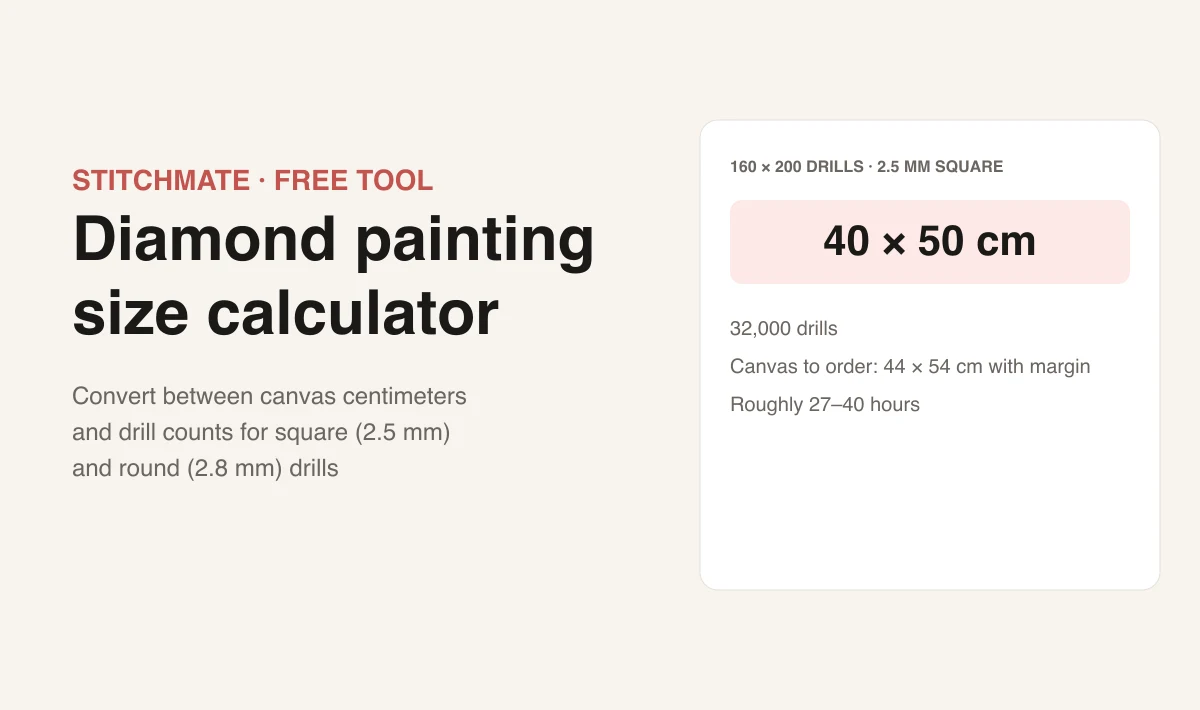
Diamond Painting Size Calculator
Turn a finished size into a drill count, or the reverse — plus drills per color before you order.
Photo to Diamond Painting Converter
Upload a photo and see exactly what it becomes as a chart, before you print anything.

DMC Drill Color Chart
Every DMC code matched to its drill color — what you order from when the legend is done.